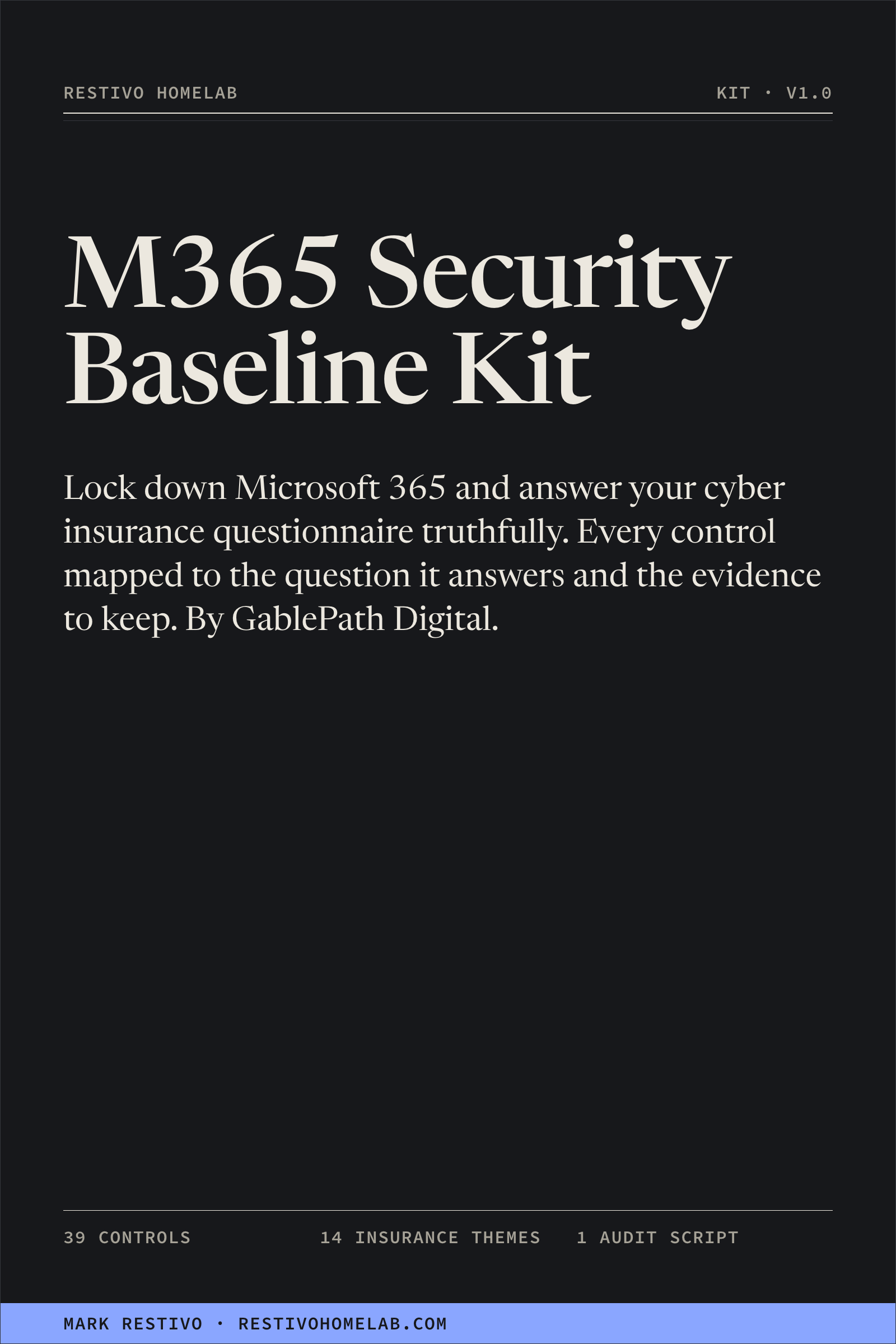
Microsoft 365 Security Baseline + Cyber Insurance Evidence Kit
Lock down Microsoft 365 and answer your cyber insurance questionnaire truthfully.
39 controls for a 10–150 person tenant, each mapped to the insurance question it answers and the
evidence to keep on file.
By GablePath Digital — Mark Restivo's Microsoft 365 security practice.
$79 Core license — one organization, your own or the one you work for
$199 MSP / consultant license — every client organization you serve
Secure checkout through Stripe. Download after payment. Both licenses get the same files;
the license decides where you may use them.
Version 1.0, October 2026. 25 files: a control register and insurance crosswalk
(Excel), three guides and four policy templates (Word and PDF), and a read-only PowerShell
audit script. Written for Microsoft 365 Business Premium; each control says which license it
needs.
Free v1.x updates. 30-day 100% refund, no questions.
One-time purchase. No subscription, no account, no DRM.
The questionnaire got specific. Your answers have to be true.
Cyber insurance applications used to ask whether you had antivirus. Now they ask about specific
controls, and what you write on the application becomes part of the basis for your cover.
- MFA. Is multi-factor enforced for all users on email, for remote access and
for every admin account? "Most people have it" is a different answer from "yes".
- EDR. Which endpoint detection and response product runs on every device? Many
Business Premium tenants already pay for Defender for Business and have never onboarded a
device.
- Backups. Do you keep a copy attackers can't alter, and when did you last test
a restore? Microsoft keeping your data available is not a backup you control.
- Incident response. Do you have a written plan, tested in the last 12 months,
that names your insurer's breach hotline?
Misstatements carry real risk. In a widely reported 2022 case an insurer asked a federal court to
rescind a cyber policy after a ransomware claim, alleging the application overstated how widely MFA
was used; the policyholder agreed to rescission and the cover was gone
(Travelers v. ICS, National Law Review).
The fix isn't careful wording. It's making the controls real and keeping proof that they are.
What's in the download
- Control Register and Insurance Crosswalk (Excel) — the core of the kit. All 39
controls (ID-01, EM-03, DV-02 …) with priority, required license, why it matters, how to set it,
how to verify it and what evidence to keep, mapped to 14 insurance-question themes. You record
status, owner, date and evidence location as you go.
- Conditional Access Baseline Guide — emergency-access accounts, MFA for all
users, phishing-resistant MFA for admins, blocking legacy authentication, and Report-only mode
before you switch anything on.
- 10-Day Rollout Plan — the work in an order that avoids locking people out,
high-priority (P1) controls first.
- Insurance Questionnaire Answer Guide — which controls and evidence support a
"yes", and what to tell your broker when the honest answer is "partly" or "not yet".
- Incident Response Plan with Microsoft 365 playbooks for compromised accounts
and business email compromise, ransomware, lost devices and fraudulent payments.
- 60-minute tabletop exercise, payment verification procedure
and joiner / mover / leaver checklist. Every document comes as an editable Word
file and a PDF.
Invoke-M365BaselineAudit.ps1 — a read-only PowerShell script that
reads your tenant's settings and reports them against the controls as HTML, CSV and JSON on your
own computer, with a README and a self-test that checks the code for any command that could make
a change.- 00-Start-Here, LICENSE.txt and CHANGELOG.txt.
One zip. Nothing in it reports back to anyone, and nobody needs access to your tenant.
How it works
- Find out where you stand. Run the read-only audit script, read 00-Start-Here,
and fill in the starting status of each control in the register. "Not done" is a useful answer.
- Close the gaps in a safe order. Follow the 10-day plan, P1 controls first:
emergency-access accounts, then Conditional Access in Report-only mode before switching it on.
Adopt the IR plan and the payment verification procedure.
- Keep the evidence, then answer the questionnaire. Record the date, owner and
where the proof lives for each control, match the register to the application with the answer
guide, and take anything unclear to your broker before you sign.
The 14 insurance question themes it covers
MFA on email and cloud apps · MFA on remote access · privileged accounts · endpoint detection and
response · backups · email security · patching and end-of-life systems · security awareness
training · incident response plan · logging and monitoring · privileged access management ·
encryption · funds transfer and BEC controls · third-party and app access.
Two controls (BK-01, BK-02) need a separate backup product and one (ID-10) needs Entra ID P2. The
register says so plainly rather than hiding the gap.
Which license?
- Core, $79 — use the kit for one organization: your own business or your
employer, including subsidiaries under common ownership. Edit the templates and share the
completed documents with your insurer, broker, auditors and IT providers.
- MSP / consultant, $199 — one MSP or consulting business may use the kit with
as many client organizations as it serves, adapt and rebrand the templates for each, and give each
client its own completed documents.
- Neither license allows reselling or redistributing the kit itself — blank
templates, the script or the guides — as a product, download or lead magnet. LICENSE.txt in the
download has the exact terms.
Who this is for
- The person who "does IT" at a business of roughly 10–150 people on Microsoft
365 — the IT manager, or the operations manager who ended up with it — with an insurance
application or renewal coming up.
- Anyone who suspects the tenant was never set up properly: patchy MFA, nobody
sure how many Global Admins there are, DMARC still at
p=none.
- MSPs and consultants who want one consistent baseline and evidence register
across client tenants.
It is not for you if you're on Google Workspace, need a formal certification (SOC 2, ISO
27001, CMMC), run an enterprise with its own security team, or want a way to tick boxes you haven't
earned. The kit is built to make your answers true, not to make them sound true.
Rather have it done for you?
GablePath's 10-Day M365 Control Sprint is the
done-for-you version: ten business days, remote, fixed price. Mark sets up MFA and a Conditional
Access baseline, blocks legacy sign-in, trims admin roles, adds two break-glass accounts and takes
DMARC to enforcement, and you keep the Control Register at the end.
FAQ
Which Microsoft licenses do I need?
Every control is tagged with the license it needs. 17 of the 39 work on any Microsoft 365
business plan. 19 need Business Premium (Entra ID P1, Intune, Defender for Business, Defender for
Office 365 Plan 1). One (ID-10) needs Entra ID P2 or an E5 Security add-on, and two (BK-01, BK-02)
need a separate backup product. On Business Basic or Standard you can still do the 17 "any plan"
controls, and the register shows what an upgrade would add.
Will this guarantee my insurance application is approved?
No. Nobody can promise that. Insurers' questions, requirements and decisions vary. The kit helps
you put real controls in place and keep evidence, so you can answer accurately. Never state a
control is in place unless it is. Not legal advice; confirm with your broker.
Does the audit script change anything in my tenant?
No. It reads settings and public DNS records and writes its report to your own computer. It
creates, changes and deletes nothing in Microsoft 365 and sends nothing to anyone else. Its network
calls go to Microsoft and, on macOS and Linux, to Cloudflare's public DNS resolver for records such
as your DMARC policy. The first time it runs in a tenant, Microsoft asks an administrator to consent
to its read-only Microsoft Graph permissions; the README lists every permission and how to remove
the consent afterwards.
Has the script been run against a real tenant?
It has been parsed without errors, passed its read-only self-test (which also caught ten planted
violations in a negative test), and run end to end against a mocked tenant, including a run where
most permissions were denied. Start it as Global Reader. If anything in your tenant reports
differently from what the README says, email me and the fix ships to everyone as a free update.
What if a Microsoft menu has moved?
It will happen. The kit gives paths like "Entra admin center > Protection > Conditional
Access" and names each setting, so search the admin center for the setting name. Still stuck? Email
me and I'll point you to it.
Do you do refunds?
Yes — 30 days, 100%, no questions asked, the same promise as everything else in this store. Email
mark@restivo.net with your receipt.
What support is included?
Email support for questions about the kit itself — a file that won't open, an instruction that's
unclear or out of date, or a script error — answered personally within 2 business days. It doesn't
include configuring your tenant or reviewing your insurance application; that's the Control
Sprint.
Do I pay again for updates?
No. All v1.x updates are free for both licenses. Use your purchase download link for the current
version; CHANGELOG.txt lists what changed. Update emails are not currently available.
Are there reviews?
Not yet. The kit is new, and I'd rather show none than invent them.
Get the kit
Not ready to buy? Take the free one-page
15 Microsoft 365 Controls Your Cyber Insurer Asks About.
No signup required.
Microsoft, Microsoft 365, Entra, Intune and Defender are trademarks of Microsoft
Corporation. GablePath Digital is not affiliated with or endorsed by Microsoft or any insurer.
Made by Mark Restivo. About Mark Restivo.